
Zoho has rolled out a major revamp of Zoho One, positioning the suite as a way for enterprises to streamline customer experience by reducing fragmentation and streamlining how employees access and act on information.
The update puts unification at the forefront. Addressing the fact that many enterprise teams have to toggle between standalone tools, Zoho aims to deliver something closer to a true operating system.
A Connected Workspace Designed for Frontline Service Teams
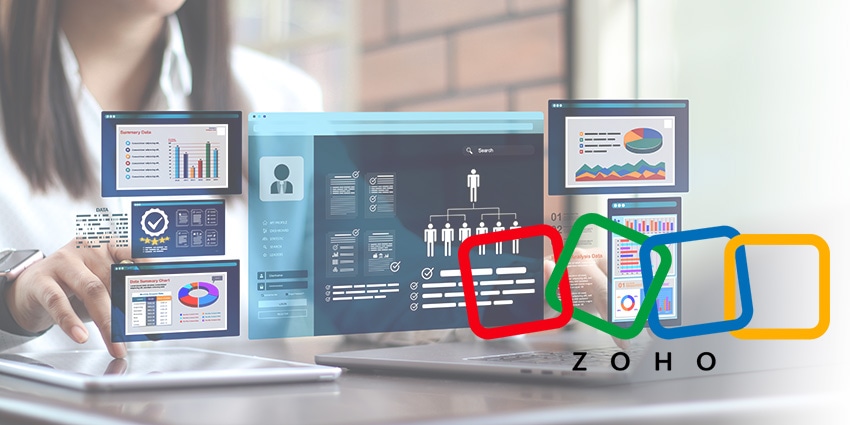
The most immediate impact comes from the redesigned interface. Zoho One’s new “Spaces” structure organizes tools by context, whether for personal productivity, company-wide collaboration, or functional areas like marketing, sales, or finance. The value proposition here is to reduce friction.
The Action Panel and unified Approvals take that concept further, pulling tasks, sign-offs, and action items from across the stack into a single view. Customer-facing roles, especially those that handle service escalations and sales cycles, often have to pull data from multiple apps. This approach aims to reverse that dynamic by pushing relevant information to the user instead of the other way around.
Dashboards and the new Boards framework also help consolidate operational and customer-related data. Because Boards can be assembled from Zoho’s own analytics or third-party dashboards brought in through single sign-on, customer support and sales teams can combine metrics, from ticket backlog to deal progression to customer sentiment, within one context.
Unified Integrations for Consistent CX Across Systems
Customer-facing operations typically rely on diverse systems covering ticketing, CRM, commerce platforms, payment portals, and engagement tools. Zoho has addressed this with a stronger emphasis on native integrations and an expanded model for third-party connectivity.
The unified integration panel gives administrators full visibility into Zoho-to-Zoho and Zoho-to-third-party connections, including recommendations for additional integrations.
Raju Vegesna, Chief Evangelist at Zoho, said during a media briefing that limits on integrations are typically dictated by outside vendors:
“There are limits in terms of capability and the exposure of their API… technically, as long as they support some of the standard protocols, it's fairly straightforward.”
The introduction of a unified portal may have the most impact on customer experience operations. Instead of customers juggling multiple logins for CRM updates, support tickets, commerce orders, payments, and more, organizations can merge all their portals, including those from non-Zoho systems. For large enterprises especially, where siloed customer portals are a known pain point, this consolidation could help improve customer effort scores.
Domain verification, authentication records, and other behind-the-scenes tasks can also now be handled centrally. This includes new support for GoDaddy users, who can authorize automatic updates to DNS records, which is a useful capability for customer service and marketing teams that previously relied on IT intervention.
AI Steps Into a More Contextual Role
AI is deeply embedded in the release through Zia, Zoho’s AI assistant, which has an expanded footprint, and new intelligence hubs. Because Zoho One unifies data from more than 50 apps, Zia can take on tasks that span categories, for example, pulling HR, CRM and support information into a single query.
For example, it can help leaders understand how much time each employee spent with a particular account, Vegesna said, which requires cross-system reasoning not typically possible in isolated applications.
Zia Hubs, now promoted to a standalone application, automatically collects content such as signed contracts or recorded meetings into dedicated hubs. Users can then query that information directly. Vegesna explained:
“All the documents that you put in that hub… you can say, ‘hey, here are the same documents. Show me only the documents that auto renew within the next three months.’”
This could streamline contract renewals, customer onboarding, or issue-resolution workflows by exposing the right information without manual digging.