

AI can now record the meeting, write the summary, and pick out the action items. The awkward bit comes after that.
I can't blame a CX team member for rolling their eyes when they remember the next step is finding the right customer record, updating the CRM, chasing the next team, and making sure nothing gets lost along the way.
Zoom used Zoomtopia 2026 to argue that it is these processes where AI can add true value. Its new Unified Context Layer connects conversations from meetings, phone calls, chat, and customer service with documents and business systems. Zoom wants that information to follow the work, rather than remain trapped in a transcript or a support ticket.
The company also announced new customer service tools, ways to bring Zoom data into third-party AI platforms, and controls for organizations that want to give AI a bigger role without loosening oversight.
How Zoom Wants to Turn Conversations Into Work
Plenty of teams have AI meeting notes. Far fewer have a simple way to turn them into work that actually gets done.
Zoom’s Unified Context Layer brings together information from Zoom Meetings, Phone, Chat, and Contact Center with company knowledge and connected business systems. It is designed to give users and AI tools a better record of what was said, what was agreed, and what needs to happen next.
Russell Dicker, Chief Product Officer at Zoom, said:
“Many companies have solved how to capture conversations. The harder problem, and the one that actually determines whether AI delivers value, is what happens next.”
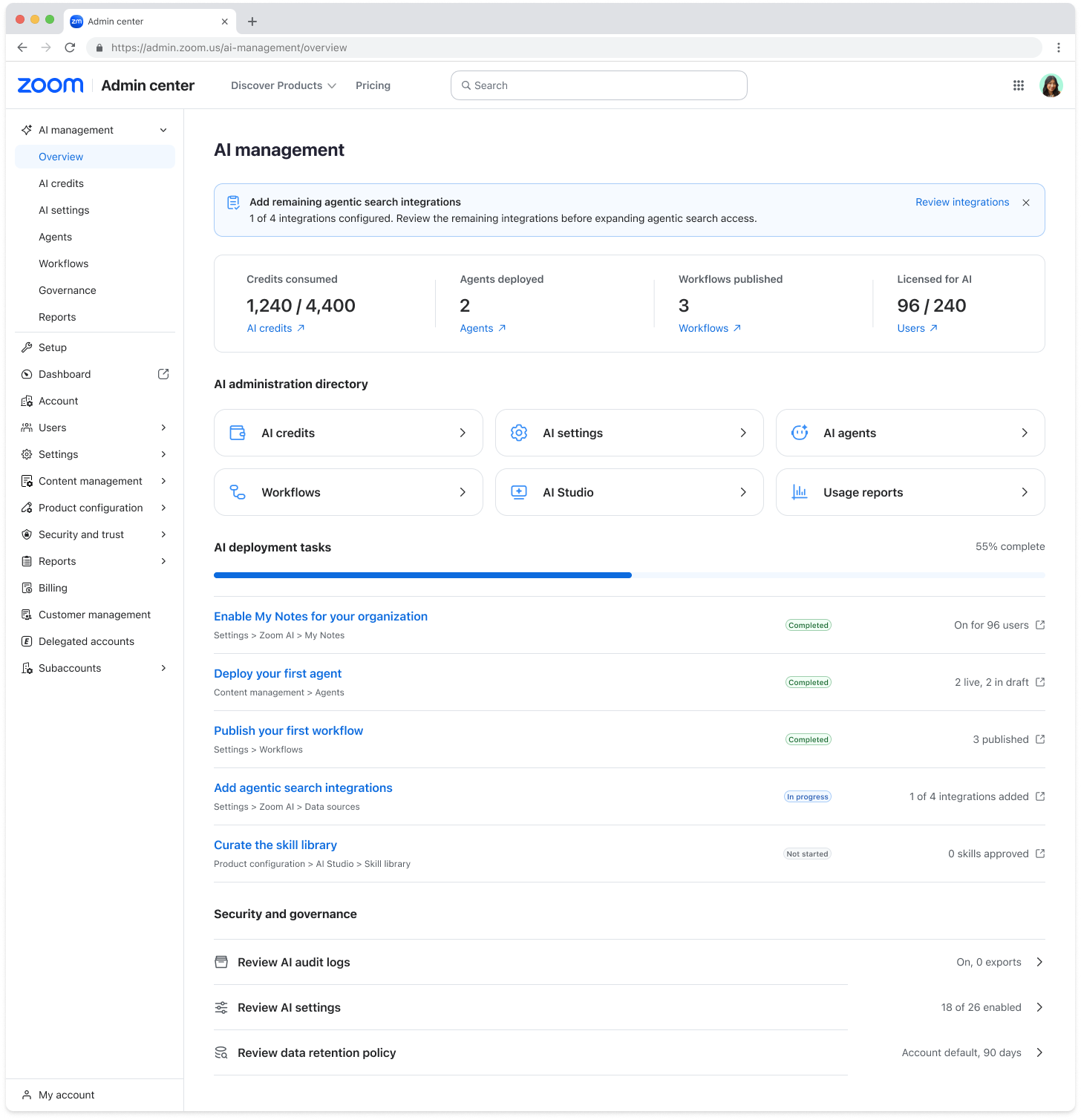
Zoom is linking that layer to new automation features. My Notes Workflows, expected in October, can send a meeting summary to Zoom Chat or Salesforce. Zoom says teams can use ready-made workflows for sales, marketing, and IT, or create their own by describing the task they want to automate.
Agentic Search is already available. It searches across Zoom Meetings, Phone, and Chat, as well as more than 40 connected applications.
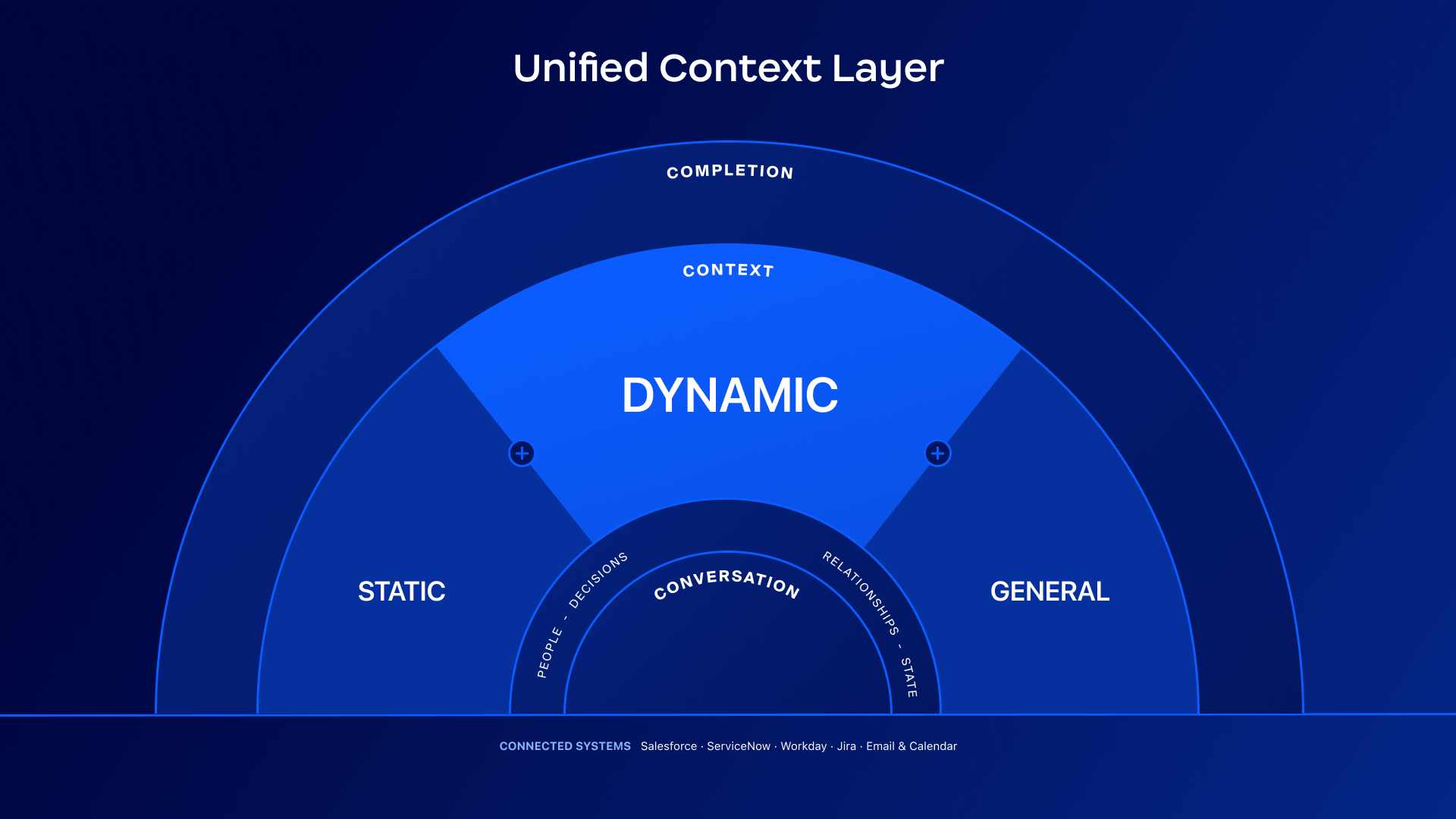
A diagram of the Unified Context Layer's makeup.
The value will come down to the basics. The source information needs to be accurate, permissions need to be clear, and the workflow has to fit how people already work. A faster summary does not help much if it lands elsewhere for someone to check.
Why Shared Customer History Matters to Zoom CX
Customer context has a habit of disappearing at exactly the wrong time. A customer starts with a virtual agent, reaches a live agent, is passed to another team, and ends up back at the beginning.
Zoom’s new CX releases are designed to carry more history between those moments. Customer Profiles, expected in November, will bring CRM data, engagement history, linked cases, and live conversation signals into Zoom Contact Center and Zoom Phone.
Christine Sarros, Senior Vice President of Enterprise Engineering at Oracle Cloud Infrastructure, said:
“We see an opportunity to spend less time reconstructing history and more time helping our customers move forward.”
CX Insights Transcript Intelligence, also expected in November, will classify transcripts from voice, chat, and email. Supervisors will be able to ask questions in natural language and review the findings alongside measures such as handle time, queue data, and outcomes.
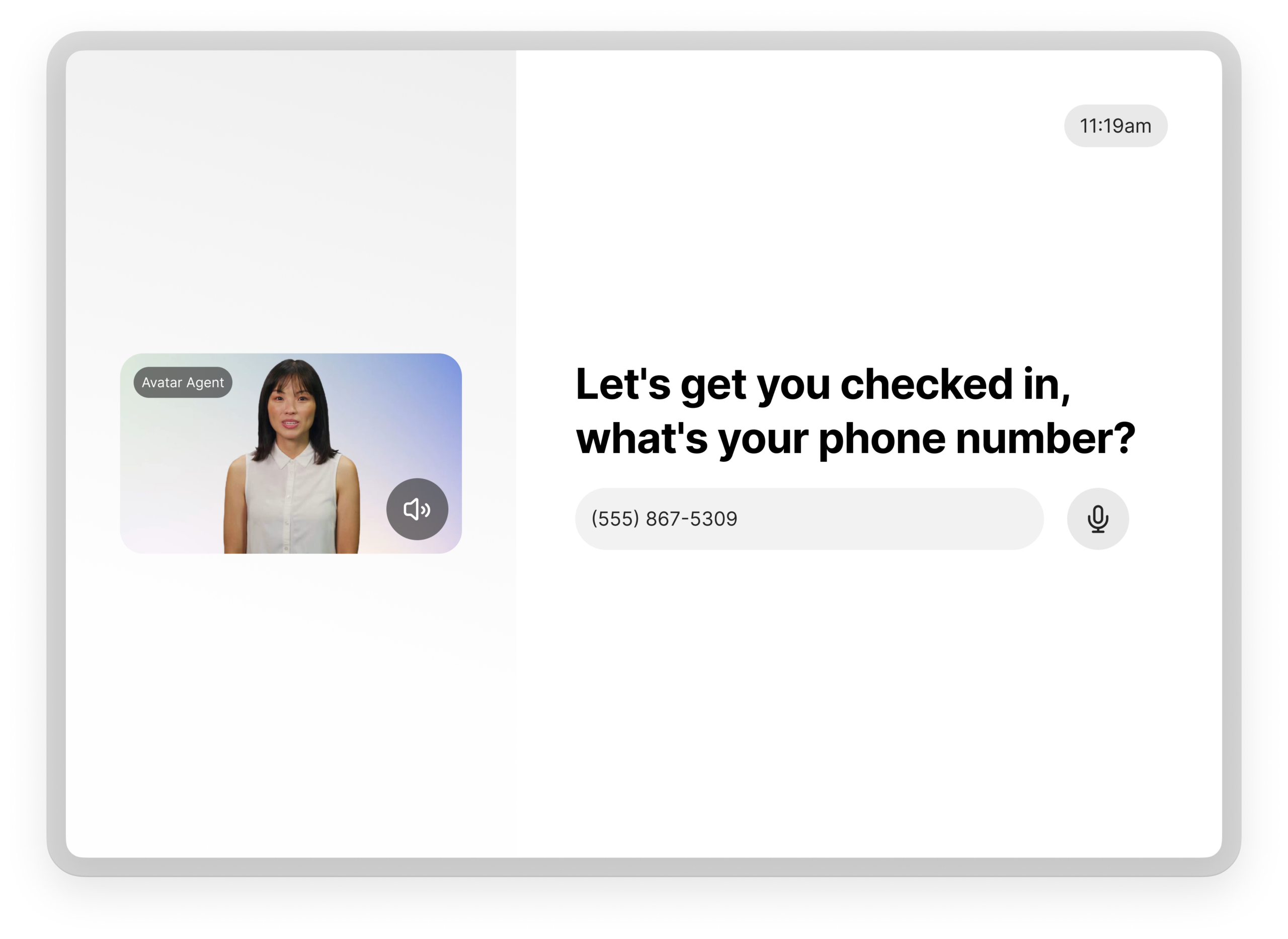
Zoom is also taking its Virtual Agent into stores and other physical locations. The Zoom Virtual Agent Kiosk, due in November, is intended for retail, healthcare, and service settings. Zoom says it can use a camera to identify products and hand the interaction to Zoom Phone or Zoom Contact Center when further help is needed.