
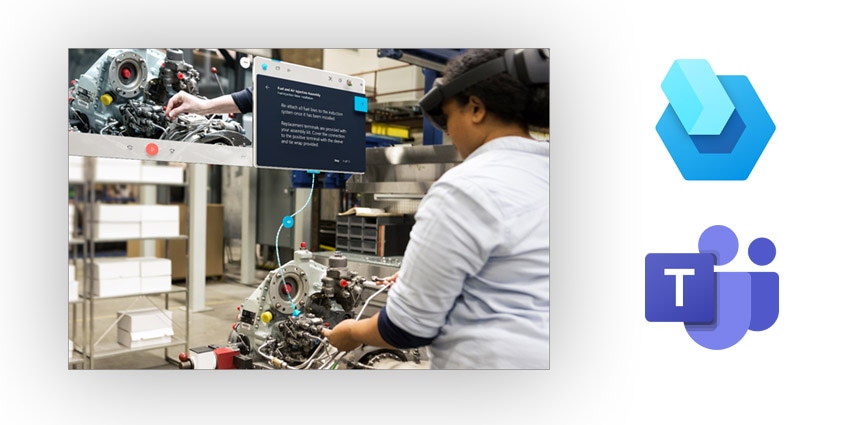
Microsoft has released new tools for Dynamics 365 Guides designed to make mixed reality accessible and user-friendly for frontline workers worldwide.
The new functionality utilizes holographic instructions to help deskless workers follow step-by-step processes, enhance efficiency, and learn on the job.
Microsoft Teams capabilities are combined with Guides to enable seamless collaboration among workers using HoloLens 2, allowing participants in a call to see what the HoloLens user sees in real-time, annotate their three-dimensional space, and share required files easily.
The company has released a new set of features in Guides to make the experience more intuitive and dependable.
Annotation improvements enable users to draw on any object or surface, anywhere, and remain in place, even if the user moves around.
The drawings are visible from different angles, and digital ink stays in place where intended, allowing users to annotate and share in real time. Previously, users could only draw on flat or semi-flat services.
Dynamics 365 Guides now give HoloLens users more options when joining a Teams call. The user can choose to turn on or off the video, join muted or not, and change these settings once they are in the meeting.