
It was bound to happen eventually. Given the direction of travel in business communications over the past decade and a half, there was always going to be a point where call analytics and reporting moved beyond, well, calls.
And if anyone was going to take the plunge into omnichannel communications analysis, you would have got good odds on it being BroadSoft. The US multinational has been at the forefront of recent disruptions in the business telecoms market, establishing itself as a leading global player in the emergence of UCaaS and, more recently, hosted cloud collaboration services too.
However, it is not the company’s flagship UC-One business communications service which this review focuses on. Instead, BroadSoft’s innovation in taking analytics beyond telephony has happened as part of its contact centre solution, CC-One.
In its marketing of the product, BroadSoft positions CC-One as a solution aimed at helping businesses optimise performance in the contact centre. It talks about the various challenges facing businesses as they try to drive performance in often dispersed, siloed contact centre set ups, with a web of multiple customer contact points.
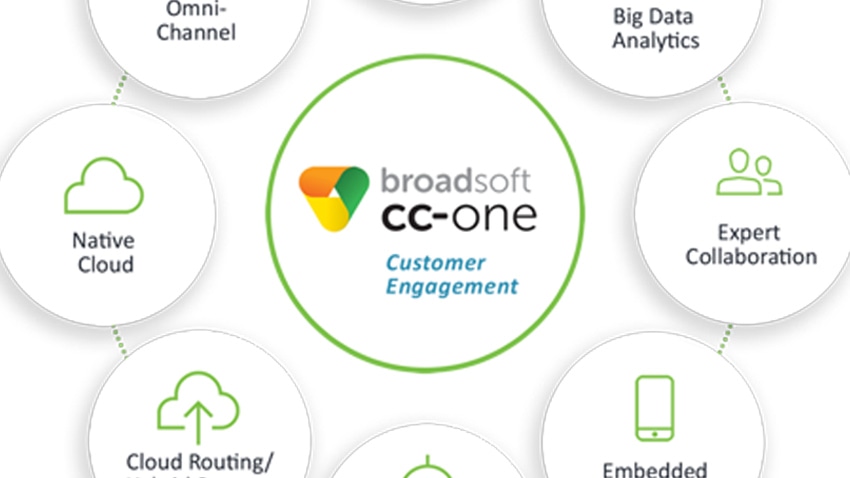
But ultimately, it focuses in on one key thing it sees businesses as lacking - the right tools to track and measure performance. CC-One is described as an analytics-driven contact centre solution, designed not only to coordinate and manage omnichannel customer interactions, but to actually give end users the visibility and insight to help them optimise performance as they go. As a result, the CC-One Analyzer platform is central to what the whole service suite sets out to achieve.
In this review, we will seek to explain how the CC-One Analyzer achieves omnichannel contact reporting, and what benefits this offers over traditional call analytics platforms. Please remember, the views contained in this review are those of the author only, and that UC Today plays no role in the selling of any particular brands or products.
How Does It Look?
CC-One Analyzer is built around a browser-based interface accessed as part of a CC-One subscription. The main management or ‘visualisation’ screen is designed in line with a traditional Windows layout, with a large variety of different menus, lists, scroll bars and windows. The live dashboards and reporting screens are much more visual, with tables, charts and graphs displayed according to the required metrics.
What Can It Do?
The main function of the CC-One Analyzer is to gather, sort and interpret data from the multiple customer contact channels that can exist within a business, and process that data into intelligible business insight which can be used to improve performance.
It works because of something BroadSoft has named its Customer Engagement Analytics Repository. This is essentially a cloud-based data store which collects from all of a business’s contact points - ACD, IVR, chat, email, CRM - and then applies some very clever Big Data analysis techniques to make sense of it all.
For example, the Customer Engagement Analytics Repository uses something called a Universal Data Dictionary so it can translate all of the data coming from different communications channels into comparable forms. This allows it to ‘stitch together’ in depth pictures of customer journeys across multiple contact points - if they logged onto a website initially, then sent an email, then made a phone call, and then had a follow up IM chat, the data from each can be analysed using the same consistent set of performance metrics.
Moreover, it separates out customer interaction from agent activity data, so businesses can get very clear pictures of agent performance versus expected service levels right across the contact channels.
All of this is then fed into the CC-One Analyzer interface, ready for contact centre managers, supervisors or agents to use. The wide variety of options within the browser-based interface gives users the power to configure the available data in numerous different ways, such as:
- Create new performance metrics to apply across the system
- Build up a library of cross-system KPIs
- Map system performance measures against business outcomes
- Identify the key variables which affect business outcomes
- Group and sort data to find out what delivers the best results, and where improvements can be made.
From there, the user can manage one of three types of output: