
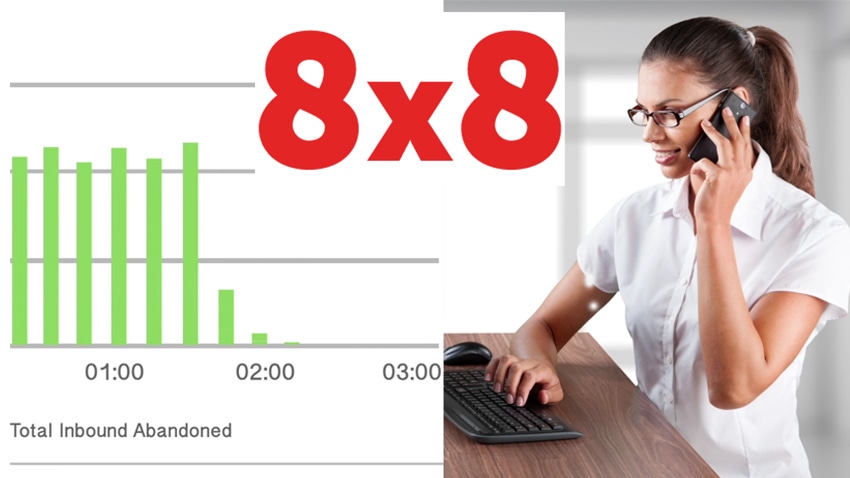
How much do you really know about performance in your contact centre? For example, how many calls are you missing, and how much business are you missing out on as a result? Are you delivering a level of service which is up to customer expectations, or are they having to wait too long to have their calls answered?
Do you have your routing systems correct, or are customers being passed from pillar to post to get their queries answered? And do you have your staffing levels right to cope with demand, so agents are neither inundated all day long nor sat around idle waiting for calls?
All of these, and more, are questions 8x8 poses in the data sheet for its Virtual Office Analytics platform. As the company goes on to say, you can’t manage what you cannot measure - if you do not have tools to deliver clear answers to these questions, how are you going to improve performance in your contact centre?
So 8x8 decided to provide its customers with these tools, bundling in a dedicated call intelligence application as part of its 8x8 Virtual Office suite. Virtual Office is a market leader in the UCaaS phone system category, a cloud PBX solution offered as a hosted service. As the reporting platform available as part of the service, Virtual Office Analytics is designed to provide centralised analytics for the kind of businesses the flexible Virtual Office system is aimed at - multi-site, multinational operations, those with distributed workforces and those which rely on mobile as much as they do on premises communications systems.
In this review, we will unpick exactly what kind of business intelligence 8x8 customers can garner from the Virtual Office Analytics platform, how it works and how it rates for usability and features.
Please bear in mind that the opinions contained in this review are those of the author only. UC Today is a uniquely independent news and insight service for the UC industry in the UK and plays no role in the marketing or promotion of any particular brands or products.
How Does It Look?

While the dashboards vary according to which Analytics version you are using (see below), there is a consistent design and layout to them. The Company Summary and Service Quality dashboards, for example, feature a horizontal ribbon menu of key numerical stats along the top, with graphs and charts underneath, and then further selectable lists or other graphics below that. Everything is very clean and clearly demarcated, built around clear segmentation of white boxes, which is most obviously seen in the Queue Board - a very functional arrangement of boxes with simple coloured text and numerical data.
What Can It Do?
8x8 Virtual Office is a web-based suite of analytics tools which plugs into the 8x8 Virtual Office cloud PBX system. It uses all of the inbound and outbound call data captured by the phone system, from all end points wherever they are located, to present in-depth insight about a company’s call handling and communications performance. Reports are fully customisable in terms of the metrics measured, and can be generated historically or in real time.
Virtual Office Analytics is available on a subscription basis as part of an 8x8 Virtual Office license in three different versions, offering different levels of functionality and features.
Virtual Office Analytics Essentials is the basic package built around a main performance summary dashboard for the whole company. This dashboard can display stats, either numerically or graphically, on chosen core metrics such active calls, abandoned calls, ring time, talk time and so on.
From the dashboard, you can also access detailed information about every extension connected to the system, with 20 pieces of call activity data to view for each. You can also access historical call records, creating reports within specified time frames and tracking a single caller’s journey through the system, plus you can monitor real-time information on calls in progress.
Virtual Office Analytics Supervisor adds a wide variety of tools allowing supervisors to manage
